July 19, 2026
How to Organize Freelance Work as a Beginner: Leads, Clients, Projects, and Follow-Ups
To organize freelance work as a beginner, use one simple system with four lists: leads, active pitches, current projects, and completed work. Track the source, deadline, rate, next action, and follow-up date for every opportunity. Review leads daily, update projects weekly, and verify platform fees before quoting.
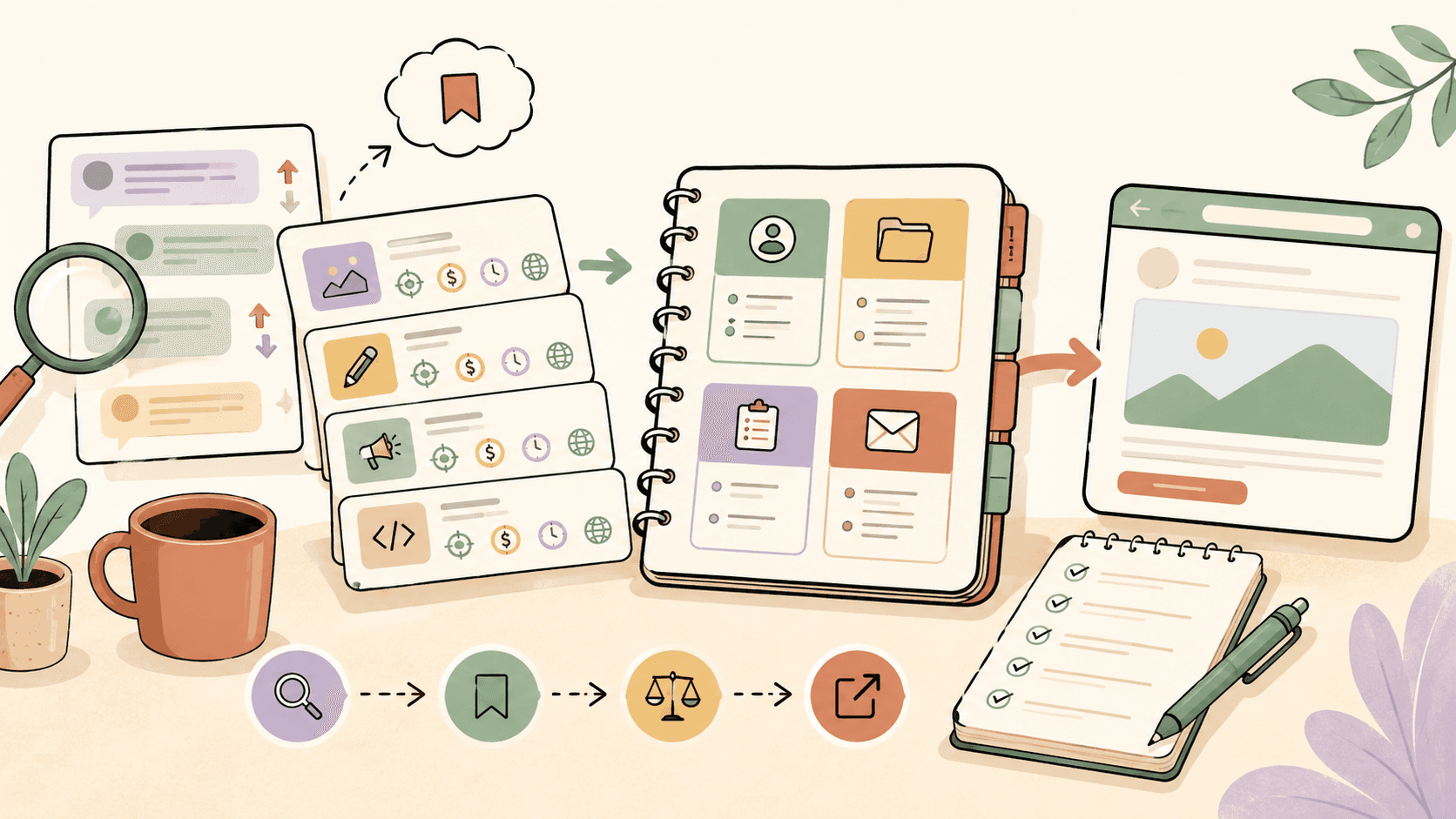
What is the simplest way to organize freelance work as a beginner?
The simplest beginner freelance system has four lists:
- Leads — opportunities you might apply to or pitch.
- Active pitches — people or companies you have already contacted.
- Current projects — paid or confirmed work you are delivering.
- Completed work — finished projects, testimonials, results, and follow-up opportunities.
You can build this in Google Sheets, Notion, Trello, Airtable, a notebook, or any tool you will actually maintain. The tool matters less than the habit.
For each opportunity, track:
- Client or company name
- Source link
- Role or project type
- Estimated budget or rate, if listed
- Your quoted rate
- Deadline or response window
- Status
- Next action
- Follow-up date
- Notes from the conversation
A beginner-friendly status flow looks like this:
Found lead → Saved → Pitched → Follow up → Call booked → Won → In progress → Delivered → Paid → Testimonial requested
If you only remember one rule, use this: every freelance opportunity needs a next action. If there is no next action, it will disappear into tab chaos.
How should beginners organize freelance leads?
Freelance leads are possible work opportunities. They can come from job boards, Reddit, X/Twitter, LinkedIn, Discord communities, newsletters, referrals, marketplaces, portfolio comments, and direct outreach.
Beginners often lose leads because they save them in too many places. Instead, collect them in one lead tracker.
Use columns like:
| Field | Example |
|---|---|
| Date found | 2026-07-19 |
| Source | Reddit, Upwork, Contra, referral, LinkedIn |
| Link | Original post or listing URL |
| Client/company | Name if available |
| Project type | Blog writing, landing page design, Shopify help |
| Budget/rate | Listed amount or “not listed” |
| Fit score | High, medium, low |
| Deadline | Date or “apply soon” |
| Status | Saved, pitched, skipped, follow-up |
| Next action | Send pitch, ask question, customize portfolio |
Your goal is not to save every possible gig. Your goal is to quickly identify the few that are relevant enough to act on.
A simple lead scoring system helps:
- High fit: You can do the work, the client seems real, the budget is acceptable, and you can respond today.
- Medium fit: You can do part of the work, need more details, or the budget is unclear.
- Low fit: Poor match, unclear client, unrealistic timeline, vague scope, or too much competition.
Only high-fit and some medium-fit leads deserve your pitching time.
Browse today’s opportunities on Sidequestboard
Where should beginners look for freelance opportunities?
Good freelance opportunities can appear in many places. Beginners usually do better when they check a focused set of sources instead of opening every platform at random.
Possible sources include:
- Freelance marketplaces such as Upwork, Fiverr, Contra, PeoplePerHour, and niche platforms related to your skill
- Large public communities such as r/forhire, r/WorkOnline, r/HireaWriter, r/designjobs, and other relevant subreddits
- LinkedIn posts from founders, hiring managers, agencies, and creators
- X/Twitter posts from people asking for help with design, writing, development, editing, research, support, or operations
- Discord and Slack communities where clients post project requests
- Newsletters that curate freelance gigs or remote work
- Referrals from past coworkers, classmates, founders, creators, and small business owners
Do not rely on one source forever. Different niches perform better in different places.
For example:
- Writers may find leads in editorial job boards, Reddit communities, content marketing groups, and direct outreach to agencies.
- Designers may find leads on portfolio platforms, startup communities, founder posts, and design-specific job boards.
- Developers may find leads in startup communities, open-source networks, freelance marketplaces, and technical Discord servers.
- Virtual assistants may find leads through founder communities, small business groups, remote job boards, and referrals.
A tool like Sidequestboard can fit into this stage if your main problem is checking too many public communities and social platforms manually. Use it as part of your discovery block, then save only the opportunities that are worth pitching.
How do you organize freelance pitches and follow-ups?
Once you contact someone, move the lead into an active pitch list. This is where many beginners lose money: they send a pitch, forget about it, and never follow up.
Your pitch tracker should include:
- Date pitched
- Person contacted
- Contact method
- Pitch link or message copy
- Portfolio sample used
- Proposed rate
- Follow-up date
- Response status
- Objections or questions
- Outcome
Use a status flow like:
Pitched → Replied → Need more info → Follow-up sent → Call booked → Won / Lost / No response
A follow-up does not need to be pushy. Keep it short and useful.
Example follow-up:
Hi [Name], just checking in on the [project type] role. I’m still interested and can send a quick outline of how I’d approach it if helpful. Either way, thanks for considering me.
For most beginner freelance opportunities, one polite follow-up after a few business days is reasonable. If the original post gives a specific hiring timeline, follow that instead.
How should beginners organize current freelance projects?
Once a client says yes, your system should shift from “get the work” to “deliver the work.”
Create a current projects board with these columns:
Confirmed → Waiting for client info → In progress → Internal review → Sent to client → Revisions → Approved → Invoiced → Paid
For each project, track:
- Client name
- Project scope
- Deliverables
- Due date
- Agreed rate or fee
- Payment terms
- Required files or access
- Client feedback
- Revision status
- Invoice status
Beginners should be especially careful with scope. Before starting, write down what is included and what is not included.
Example:
Included: 1 landing page draft, 1 revision round, mobile layout suggestions.
Not included: copywriting from scratch, brand identity, development, ongoing updates.
Even a simple scope note can prevent confusion later.
What should a beginner freelance dashboard include?
Your freelance dashboard should answer five questions quickly:
- What should I apply to today?
- Who needs a follow-up?
- What client work is due soon?
- Who owes me information, feedback, or payment?
- What finished work can I turn into a case study, testimonial, or referral?
A beginner dashboard can be as simple as:
Today
- Send 2 pitches
- Follow up with 1 prospect
- Finish client draft
- Send invoice reminder
This week
- Find 15 relevant leads
- Send 5 tailored pitches
- Complete 1 portfolio update
- Ask 1 previous client for a testimonial
Waiting on
- Client feedback
- Contract approval
- Login access
- Payment confirmation
Wins
- Paid projects
- Testimonials
- Portfolio pieces
- Referrals
This keeps your attention on movement, not just organization.
How do you avoid tab chaos when looking for freelance work?
Tab chaos happens when you browse opportunities without a decision process. You open 30 posts, skim half of them, forget which ones matter, then feel like you worked without actually applying.
Use a 30-minute lead discovery block instead:
- 10 minutes: Scan your main sources.
- 10 minutes: Save only relevant leads.
- 10 minutes: Pick the best one to pitch now.
During this block, do not redesign your portfolio, rewrite your entire profile, or research pricing for an hour. The purpose is to move promising opportunities into your system.
A practical routine:
9:00–9:10 — Scan fresh opportunities
9:10–9:20 — Save high-fit leads and add next actions
9:20–9:30 — Send or draft the best pitch
Sidequestboard is useful here because it gives you a calmer feed for fresh public opportunities, lets you save interesting posts, and helps you open the original source when you are ready to respond.
How should beginners price and track freelance rates?
Beginners should track rates carefully because your early pricing history teaches you which work is worth repeating.
In your tracker, include:
- Listed budget, if available
- Your quoted rate
- Final agreed rate
- Estimated hours
- Actual hours
- Platform fees or payment processing fees, if relevant
- Net amount received
- Notes about whether the project was worth it
Before quoting, check 3 to 5 recent comparable listings or profiles in your niche. Look at similar work on platforms, public hiring posts, professional communities, and competitor portfolios. Rates vary widely by geography, skill level, niche, urgency, client type, and scope.
Also verify current platform fees before pricing work. Marketplaces and payment platforms can change their service fees, connects, withdrawal fees, or payment rules over time. Check official Upwork, Fiverr, Contra, PeoplePerHour, payment processor, or marketplace pages instead of relying on old advice.
A useful beginner pricing note looks like this:
Project: 1,000-word blog post
Quoted: $150
Actual time: 5 hours
Effective hourly: $30/hour before fees and taxes
Notes: Client was easy to work with, but research took longer than expected. Raise quote next time or narrow scope.
Over time, this helps you identify your best project types.
How do you organize client communication?
Client communication should be easy to find. If you scatter details across email, DMs, Slack, and notes, you will miss something.
For every project, keep one project note with:
- Client contact details
- Main communication channel
- Project brief
- Final scope
- Deadlines
- Links to files
- Feedback history
- Decisions made
- Invoice and payment status
When a client makes an important decision in a call or chat, summarize it in writing.
Example:
Thanks for the call today. To confirm, I’ll deliver the first draft by Friday, include two homepage layout options, and wait for your product screenshots before final polish.
This protects both sides and reduces revision confusion.
How should beginners organize freelance files?
Use consistent file names from the beginning. You do not need a complex folder system.
A simple structure:
Freelance
  Clients
    ClientName
      2026-07 Project Name
        Brief
        Drafts
        Final
        Invoice
        Assets
Use clear file names:
clientname-project-deliverable-v1
clientname-project-deliverable-v2
clientname-project-final
clientname-invoice-001
Avoid names like:
final-final-new-realfinal.docx
If you use Google Drive, Dropbox, Notion, Figma, GitHub, Canva, or another work tool, add the key links to your project tracker so you are not searching later.
What weekly freelance review should beginners do?
A weekly review keeps your system alive. Without review, even the best tracker becomes a graveyard.
Once a week, spend 30 to 45 minutes answering:
- Which leads should I pitch, archive, or ignore?
- Which pitches need follow-up?
- Which projects are at risk of missing a deadline?
- Which clients owe feedback, files, or payment?
- Which completed projects should become portfolio pieces?
- Which work paid well for the time spent?
- Which sources produced the best leads?
Then clean your lists:
- Archive dead leads.
- Move won projects to current work.
- Move paid projects to completed work.
- Add testimonial requests.
- Update your rate notes.
- Choose next week’s lead sources.
This review is what turns freelancing from random activity into a repeatable business habit.
Beginner freelance organization template
You can copy this structure into a spreadsheet or workspace:
Leads
| Date | Source | Link | Client | Project | Budget | Fit | Status | Next action |
|---|---|---|---|---|---|---|---|---|
| July 19 | URL | Startup | Landing page | Not listed | High | Saved | Send pitch |
Active pitches
| Date pitched | Client | Project | Rate quoted | Follow-up date | Status | Notes |
|---|---|---|---|---|---|---|
| July 19 | Agency | Blog posts | Verify | July 23 | Pitched | Asked for samples |
Current projects
| Client | Project | Deliverables | Due date | Fee | Status | Waiting on |
|---|---|---|---|---|---|---|
| Client A | Homepage copy | Draft + revision | July 26 | Agreed fee | In progress | Product screenshots |
Completed work
| Client | Project | Final link | Paid? | Testimonial? | Portfolio? | Notes |
|---|---|---|---|---|---|---|
| Client B | Email sequence | URL | Yes | Requested | Yes | Good referral potential |
Common beginner freelance organization mistakes
Saving leads but not pitching
A lead tracker is not progress by itself. If you save 20 leads and pitch none, your system is only a bookmark folder.
Using too many tools
Do not use Notion for leads, Trello for projects, Google Sheets for rates, and random notes for follow-ups unless you already have a strong habit. Beginners usually need fewer tools.
Not tracking follow-ups
Many clients are busy, not necessarily uninterested. A polite follow-up can revive a good opportunity.
Ignoring net pay
A project that looks well paid can become weak after extra revisions, platform fees, payment delays, or under-scoped work. Track actual hours and net earnings where possible.
Keeping dead leads forever
Archive old leads. Your active workspace should show what matters now.
A simple daily routine for beginner freelancers
Use this routine if you are just starting:
Daily, 45 to 60 minutes
- 30 minutes: find and save relevant opportunities
- 15 minutes: send or improve one pitch
- 10 minutes: update your tracker and follow-ups
Twice per week
- Improve one portfolio sample
- Review pricing notes
- Ask one person for a referral or introduction
Weekly
- Clean your lead list
- Review active pitches
- Update project statuses
- Send invoices or payment reminders
- Save completed work for testimonials or case studies
If your current bottleneck is finding fresh, relevant public opportunities, use Sidequestboard during the 30-minute discovery block so you can spend more of your time pitching and less time jumping between tabs.
Final takeaway
To organize freelance work as a beginner, do not build a complicated business operating system. Build a simple loop:
Find leads → Save the best ones → Pitch quickly → Follow up → Deliver clearly → Track what worked
One reliable tracker, one daily lead routine, and one weekly review are enough to make freelancing feel calmer and more professional.