July 14, 2026
How to Save Freelance Leads Every Day Without Losing Good Opportunities
To save freelance leads every day, check a small set of high-signal sources, sort by newest posts, save only opportunities that match your skills, rate, and timing, then track every lead in one place. Review saved leads daily so fresh opportunities do not disappear before you respond.
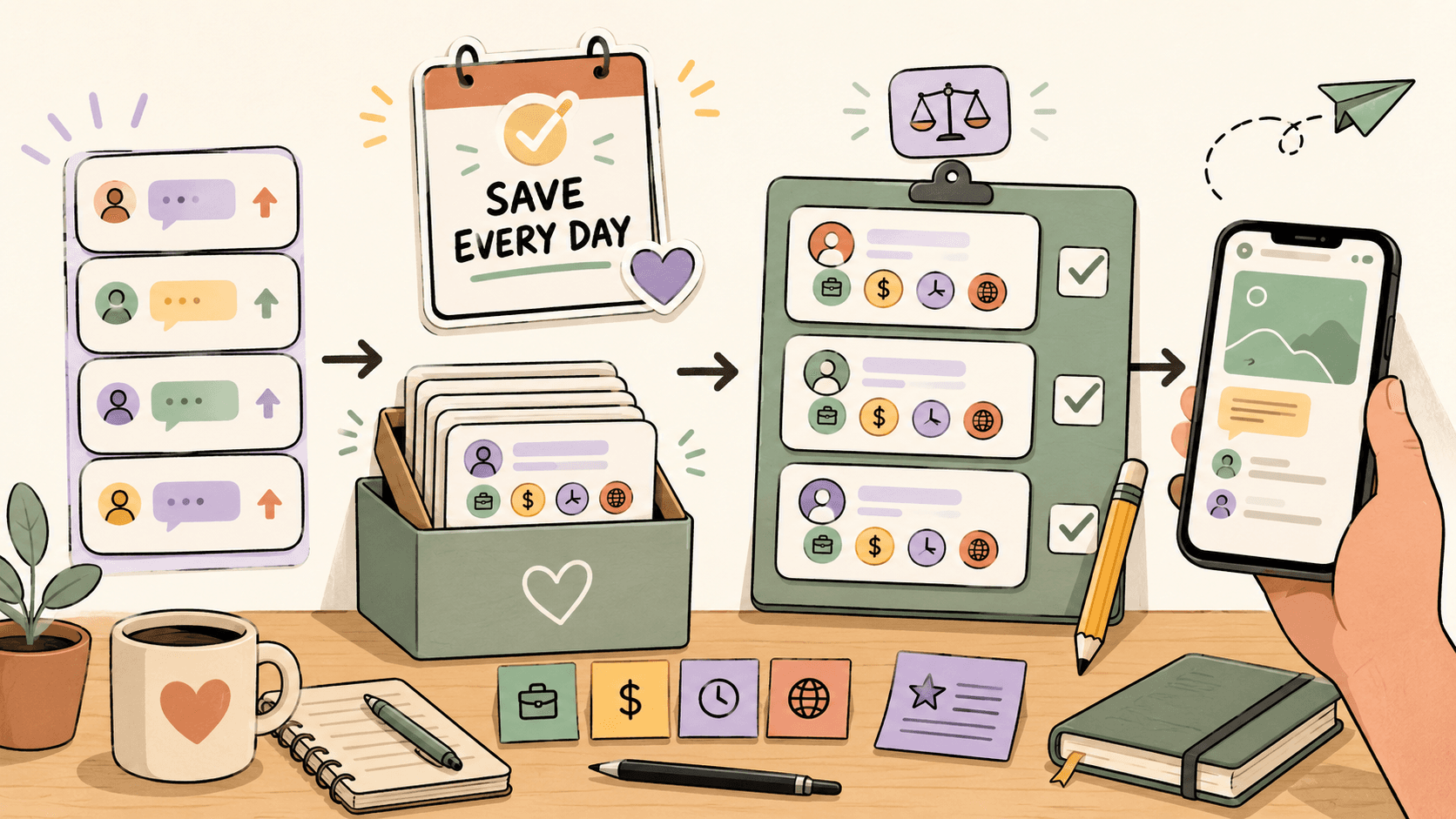
What does it mean to save freelance leads every day?
Saving freelance leads means capturing promising work opportunities before they get buried, deleted, closed, or forgotten.
A saved lead could be:
- a Reddit post from someone hiring a designer, developer, writer, editor, assistant, marketer, or consultant,
- a project on a freelance marketplace,
- a public community post asking for help,
- a founder looking for a contractor,
- a creator asking for production support,
- a startup looking for short-term freelance help,
- a job or contract listing you want to review later.
The key is not to save everything. The key is to save only leads that are fresh enough, relevant enough, and realistic enough to deserve a response.
A good daily system answers four questions:
- Where should I look?
- What should I save?
- How should I track it?
- When should I respond?
Where should you look for fresh freelance leads?
Start with a small source list. If you check too many places, you will spend more time searching than pitching.
Useful sources can include:
- Reddit communities where people post hiring requests or project needs,
- freelance platforms such as Upwork, Fiverr, Contra, PeoplePerHour, and similar marketplaces,
- public communities on Discord, Slack, X/Twitter, LinkedIn, and niche forums,
- creator, startup, and indie builder communities,
- newsletters or job boards focused on your niche.
For Reddit, freelancers often monitor communities related to hiring, writing, design, development, remote work, and niche professional services. Instead of relying on subreddit size or popularity, judge each community by the quality and freshness of actual posts.
For freelance platforms, sort by newest listings when possible and use filters for your service category, budget type, location requirements, experience level, and project scope. Always check each platform’s current fee schedule, payment rules, and terms directly on the official site before pricing your work, because these details can change.
Find current openings on Sidequestboard
What should you save and what should you skip?
A saved lead should pass a quick relevance test. If you save every possible post, your list becomes another noisy inbox.
Use this simple filter before saving a lead:
- Skill fit: Can you clearly do the work?
- Proof fit: Do you have a portfolio item, case study, sample, or short example that matches the request?
- Timing fit: Is the post recent enough that a reply still has a chance?
- Budget fit: Does the client mention a budget, range, or project size that could work for you?
- Clarity fit: Is the request specific enough to write a useful reply?
- Trust fit: Does the post look legitimate, with enough context to avoid obvious scams or vague unpaid work?
Skip leads that are too vague, too old, obviously underpriced for your minimum, outside your skill set, or filled with red flags.
Rate expectations vary widely by niche, location, urgency, client type, experience level, and proof of past work. Instead of relying on universal benchmarks, define your own minimum acceptable rate and use it as a filtering rule.
How do you build a daily freelance lead routine?
A useful routine can be simple. The goal is to create a repeatable loop, not a complicated productivity system.
Try this 30-minute daily workflow:
- Open your main sources. Check only your highest-signal communities, platforms, or feeds.
- Sort by newest. Freshness matters because many freelance opportunities close quickly.
- Scan titles first. Ignore posts outside your service, budget, or availability.
- Open only promising leads. Read the full post before saving.
- Save qualified leads. Capture the link, source, client need, deadline, and next action.
- Prioritize the top few. Pick the leads most likely to convert.
- Respond before doing more searching. Searching is only useful if it leads to action.
A common mistake is spending the whole session collecting leads and never replying. If you have 30 minutes, use at least half of it to respond to the best opportunities.
How should you track saved freelance opportunities?
You can track saved leads in a spreadsheet, Notion database, Trello board, CRM, or a dedicated opportunity dashboard. The tool matters less than the fields you capture.
Use columns like:
| Field | Why it matters |
|---|---|
| Date found | Helps you avoid stale leads |
| Source | Shows which channels produce good leads |
| Link | Lets you reopen the original post quickly |
| Client need | Summarizes the actual problem |
| Service fit | Clarifies why you saved it |
| Budget or rate note | Helps you filter by pricing fit |
| Deadline or urgency | Shows which leads need a faster reply |
| Status | Tracks saved, replied, followed up, won, lost, or skipped |
| Next action | Prevents leads from sitting untouched |
Keep the status options simple:
- Saved
- Replied
- Follow up
- Waiting
- Won
- Lost
- Skip
If a saved lead does not have a next action, it is just clutter.
How do you score freelance leads quickly?
A lightweight scoring system helps you avoid emotional decisions. Give each lead a score from 1 to 5 in three areas:
- Fit: How closely does it match your skills and proof?
- Freshness: How recently was it posted?
- Value: Is the project worth your time?
Then add one simple priority label:
- A lead: Reply today.
- B lead: Save and review later.
- C lead: Skip unless you have extra time.
For example, a fresh post from a startup founder asking for exactly the kind of landing page you build, with a clear budget and timeline, is probably an A lead. A vague post asking for “someone good with websites” and no details may be a C lead, even if it sounds interesting.
How fast should you respond to saved freelance leads?
Respond as soon as you can write a useful, specific reply. Speed helps, but a generic response usually performs poorly.
A strong first reply should include:
- the client’s problem in your own words,
- one relevant proof point,
- a short suggestion or next step,
- your availability,
- a clear call to continue the conversation.
Avoid opening with a long biography. The client usually wants to know whether you understand the request and can help.
Example structure:
Hey, I saw you’re looking for help with [specific problem]. I’ve worked on [similar project or result], and I’d approach this by [short plan]. I’m available [timeframe]. Happy to send a relevant example or talk through the scope.
For public community posts, follow the community rules. Some communities require comments first; others prefer direct messages; some ban unsolicited promotion. Always respond in the way the original post or community guidelines allow.
What are the biggest mistakes when saving freelance leads?
The biggest mistakes are usually workflow mistakes, not sourcing mistakes.
Avoid these:
- Saving too many low-fit leads. A huge list can make you feel productive while producing no replies.
- Ignoring freshness. Old posts may already be filled, especially in active communities.
- Using the same pitch everywhere. Clients can spot generic replies quickly.
- Not tracking status. If you do not know what you replied to, follow-up becomes messy.
- Forgetting platform costs. Always verify current platform fees, payment rules, and terms before setting prices.
- Chasing every category. A focused freelancer usually writes better replies than someone applying to everything.
Your daily goal is not to collect the most links. It is to find a few qualified opportunities and act on them quickly.
How can Sidequestboard fit into this workflow?
If your current system depends on opening Reddit, X/Twitter, Discord, job boards, freelance platforms, and saved searches one by one, the search process can become the work.
Sidequestboard is built for people who monitor public communities and social platforms for fresh work opportunities. It gives you a cleaner feed for public opportunity posts so you can spend less time checking scattered tabs and more time deciding what is worth a response.
With Sidequestboard, you can:
- discover freelance, job, and opportunity posts from public sources in one calmer dashboard,
- find relevant opportunities while they are still fresh,
- save interesting opportunities for review,
- open the original listing or source and apply or respond directly there,
- draft faster first replies when appropriate.
It does not replace judgment. You still need to evaluate fit, avoid scams, check platform terms, and write thoughtful responses. But it can reduce the daily tab-checking loop and make your saved-lead workflow easier to maintain.
A simple daily workflow you can copy
Here is a practical version you can use tomorrow:
- Spend 10 minutes scanning fresh opportunities from your best sources.
- Save only leads that match your skill, proof, timing, and minimum rate.
- Score each saved lead as A, B, or C.
- Reply to A leads immediately.
- Add B leads to your review list.
- Skip C leads unless there is a strong reason to revisit them.
- At the end of the week, review which sources produced replies, calls, or paid work.
Over time, remove sources that create noise and double down on sources that produce real conversations.
How do you know if your lead-saving system is working?
Track outcomes, not just saved links.
Review these numbers weekly:
- leads saved,
- replies sent,
- response rate,
- calls booked,
- proposals requested,
- projects won,
- sources that produced the best conversations.
If you save many leads but send few replies, your system is too passive. If you reply often but get no responses, your targeting or pitch may need work. If one source consistently creates good conversations, prioritize it in your daily routine.
The best freelance lead system is not the one with the most sources. It is the one that helps you notice relevant opportunities early and respond with confidence.