August 4, 2026
How to Save Paid Projects from Public Communities
To save paid projects from public communities, use a combination of platform-specific save tools, dedicated spreadsheets, and organized browser bookmarks. Scour subreddits like r/forhire and r/designjobs, copy the direct links, note the deadline, and track your application status in a centralized system like Notion or Google Sheets.
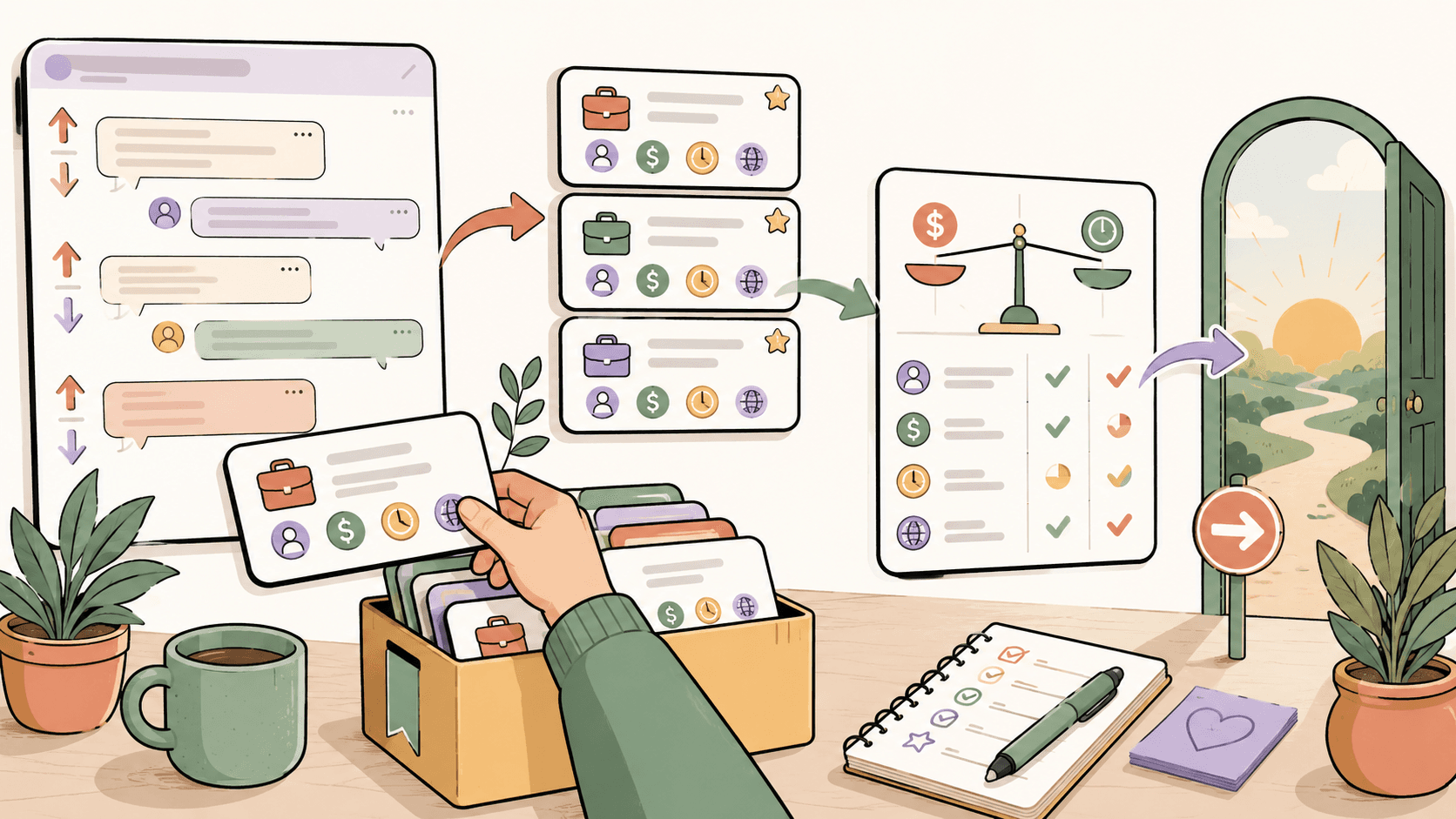
Why Do You Keep Losing Track of Paid Projects?
Public communities like Reddit, X (formerly Twitter), and Discord are designed for continuous consumption, not project management. A high-quality lead posted on Monday is pushed to page three by Wednesday. Most freelancers and independent workers rely on two broken methods: leaving a tab open, or messaging themselves the link in a chat app.
Neither method gives you the context you need. A naked URL does not tell you the project budget, the deadline, or whether you have already sent your portfolio. When you are searching across high-volume sources like r/forhire (which has over 1.3 million members), the noise drowns out the actual opportunities. You lose projects simply because you lack a centralized, dedicated capture zone for incoming leads.
Which Public Communities Actually Have Paid Projects?
You need to know where to look before you can save anything. Not all communities are created equal. Based on current market activity, these are the most reliable public sources for finding fresh, paid creative work:
- r/forhire (1.3M members): A massive general freelance subreddit. Search specifically for posts tagged with the
[Hiring]flair. Use the search bar queries like[Hiring] designeror[Hiring] developerand sort byNewto catch fresh leads. - r/designjobs (150K members): Highly focused on design work. The
[Hiring]flair here is gold for finding specific creative tasks. - r/Design (400K members): While primarily a portfolio sharing and discussion community, paid leads frequently surface in the comments or through direct networking if you participate actively.
- Dribbble: Their dedicated jobs board (dribbble.com/jobs) features premium UI/UX, graphic design, and illustration roles. It is free to browse.
- Behance: The Behance job list (behance.net/joblist) aggregates creative roles, including freelance contracts and full-time design positions.
- 99designs: If you want to build out your portfolio quickly, 99designs hosts logo and branding design contests. You can browse and enter contests based on your specific skill set.
See fresh gigs on Sidequestboard
How Do You Capture Project Details Efficiently?
When you find a relevant project, you need to extract the critical information immediately. Do not just drop a link into a notepad. You need to know if the project is worth your time before you draft a response.
Create a tracking document using a tool like Notion, Trello, or Airtable. When you spot a lead, capture these five data points:
- The Source Link: Grab the direct URL to the specific post.
- The Platform: Note if it came from Reddit, Dribbble, or Behance.
- The Budget: Is it stated? Compare it to market rates. For example, standard rates currently hover around $50-150/hr for UI design, $30-100/hr for graphic design, $200-2000+ for flat-rate logo design, and $50-500+ per illustration.
- The Deadline: When does the client need the work delivered, and more importantly, when do they close applications?
- Your Status: Mark it as
To Apply,Pitched, orRejected.
What Is the Best Way to Organize Saved Opportunities?
Your organization system needs to match your workflow. A simple spreadsheet is often the most effective starting point because it forces you to structure your data.
Walkthrough: Setting Up a Google Sheets Lead Tracker
- Open a blank Google Sheet.
- Create column headers:
Date Found,Source,Client/Brand,Project Description,Budget,Link,Status,Notes. - When you browse r/designjobs and find a project paying $75/hr for a UI redesign, paste the Reddit permalink into your sheet.
- Set the
Statusdropdown toTo Apply. - Once you send your portfolio and cover letter, change the status to
Pitchedand note the date in theNotescolumn.
This simple act of logging the project prevents you from applying twice and gives you a clear list of active outreach efforts to follow up on.
How Do You Respond Before a Post Goes Cold?
Speed is the most critical factor in winning work from public communities. A post on r/forhire might receive 50 responses in the first two hours. If you save a project on Friday and wait until Monday to respond, the client has likely already shortlisted their candidates.
When you log a project into your tracker, look at the time it was posted. Prioritize leads posted within the last 6 hours. Draft your response using a template, but customize the first two sentences to prove you read their specific requirements. If you are responding to a Dribbble job posting, link directly to a case study in your portfolio that solves a similar problem to what they described in their listing.
How Can You Stop Manually Checking Too Many Tabs?
The fatal flaw of the manual tracking method is the time cost. Checking r/forhire, r/designjobs, Dribbble, Behance, and 99designs every single morning takes hours. You end up spending your best energy searching rather than pitching or doing client work.
This is where a curated opportunity discovery dashboard changes the game. Instead of manually building a list from a dozen sources, you can use a tool designed to aggregate these public posts.
Sidequestboard pulls fresh freelance leads and public opportunities into one cleaner feed. Instead of juggling browser tabs and spreadsheets, Sidequestboard lets you discover relevant work from public communities and social platforms in a single view. You can save interesting opportunities directly in the app, open the original source link to apply on the native platform, and avoid the noise of irrelevant posts.
How Do You Use Sidequestboard to Save Public Projects?
Sidequestboard is built specifically to solve the tab chaos and lead-tracking problem. Instead of bouncing between Reddit, X, and various job boards, you log into one dashboard.
When you see a project that fits your skills, you save it instantly within the app. Sidequestboard acts as your centralized lead tracker, ensuring you never lose a direct source link. Because the feed focuses on fresh public opportunities, you spend less time digging through old posts on r/designjobs and more time actually drafting your replies to active clients. You still apply directly at the original source, but you eliminate the manual searching and disorganized bookmarking that slows most freelancers down.
What Should You Do Next?
Stop relying on memory and scattered browser bookmarks. Choose a centralized tracking method today. If you want to manage it manually, set up a Trello board or Google Sheet and commit to logging every lead you find on r/forhire, Dribbble, and Behance. If you want to skip the manual search process entirely, start a trial with Sidequestboard to get fresh public opportunities delivered to a single, calm feed where you can save and track them with zero friction.