July 26, 2026
How to Track Paid Projects as a Beginner
Track paid projects as a beginner by using one simple opportunity tracker with columns for source, project type, rate, freshness, fit, next action, and follow-up date. Start with specific sources like r/forhire, r/designjobs, Dribbble Jobs, Behance Joblist, and 99designs, then review your tracker daily.
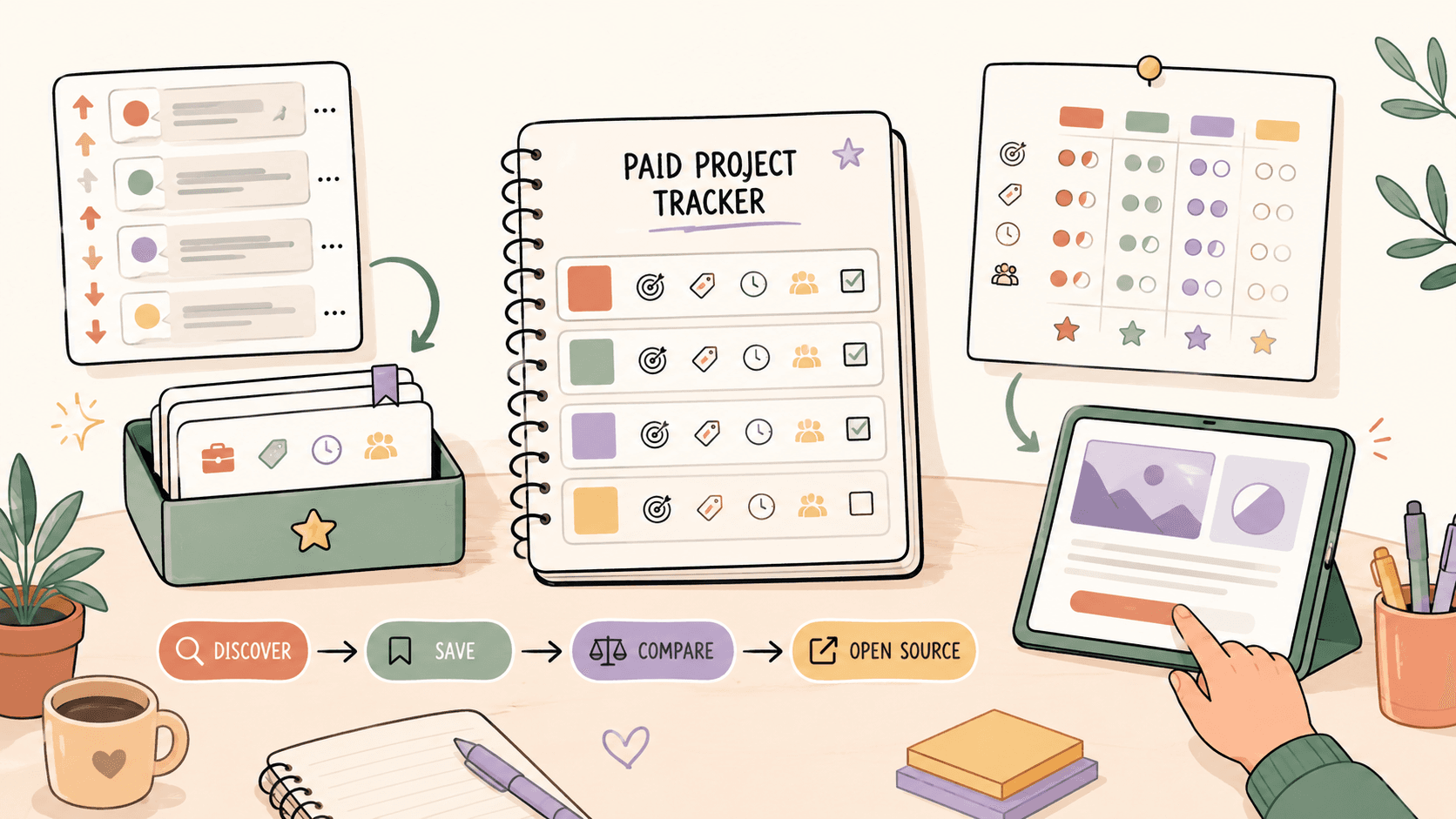
What should a beginner track for each paid project?
Track only the details that help you decide whether to respond, follow up, or ignore the opportunity. A beginner tracker does not need 30 columns. It needs enough structure to stop you from losing fresh posts and accidentally pitching the same person twice.
Use these columns:
| Column | What to write | Example |
|---|---|---|
| Date found | When you found the lead | July 26 |
| Source | Where it came from | r/forhire, Dribbble Jobs, Behance Joblist |
| Original link | URL to the post or listing | Reddit post link |
| Project type | Logo, UI, graphic design, illustration | Logo design |
| Budget or rate | Stated budget or your estimate | $500 logo package |
| Market benchmark | Normal range for this type of work | Logo design: $200 to $2,000+ |
| Freshness | How old the post is | 3 hours old |
| Fit score | 1 to 5 based on skills and portfolio match | 4 |
| Status | Saved, pitched, replied, follow-up, closed | Pitched |
| Next action | What you will do next | Follow up Friday |
| Notes | Anything specific from the post | Wants playful SaaS logo |
For beginner design projects, use realistic rate benchmarks to judge whether a lead is worth your time. Logo design commonly ranges from $200 to $2,000+. UI design often falls around $50 to $150 per hour. Graphic design can range from $30 to $100 per hour. Illustration can range from $50 to $500+ per illustration, depending on usage, complexity, and licensing.
Do this now: open Google Sheets, Notion, Airtable, or Trello and create the columns above before you search for another opportunity.
Where should beginners look for paid project leads first?
Start with a small set of sources you can check consistently. Beginners usually fail when they try to monitor every platform at once. A tighter source list gives you better judgment because you learn what good and bad posts look like in each place.
For design-related paid projects, use these sources first:
- r/forhire: This subreddit has about 1.3M members and includes [Hiring] posts across many skills. Search for terms like “designer,” “design,” “logo,” “UI,” “Figma,” or “illustration.” Sort by New so you are not replying to stale posts.
- r/designjobs: This subreddit has about 150K members and is more focused on design opportunities. Check the [Hiring] flair for project posts instead of scrolling through everything.
- r/Design: This community has about 400K members. It is not only a job source, but discussions can lead to networking, portfolio feedback, and occasional leads when people ask for recommendations.
- Dribbble Jobs: The Dribbble jobs page at https://dribbble.com/jobs is useful for UI/UX, graphic design, and illustration roles. It is free to browse.
- Behance Joblist: Behance’s job list at https://behance.net/joblist is another free place to browse creative design roles.
- 99designs: 99designs at https://99designs.com is known for logo and branding contests. Commission and structure vary by contest, so read the terms before putting time into speculative work.
The key is not to collect sources forever. The key is to make each source measurable in your tracker. If you find 20 r/forhire posts and only 1 is relevant, that tells you something. If r/designjobs gives you fewer posts but stronger matches, that also tells you something.
Do this now: choose three starting sources, such as r/forhire, r/designjobs, and Dribbble Jobs, and add them as dropdown options in your tracker.
Track fresh opportunities on Sidequestboard
How do you decide if a paid project is worth tracking?
Do not track every post you see. Track opportunities that pass a basic relevance filter. Your tracker should be a decision tool, not a landfill of old links.
Use this quick scoring method:
- Freshness: Was it posted within the last 24 hours? On fast-moving sources like r/forhire, a post from 3 hours ago is much more valuable than one from 5 days ago.
- Budget clarity: Is there a stated budget, rate, or scope? If not, can you estimate it using benchmarks like $200 to $2,000+ for logo design or $50 to $150 per hour for UI design?
- Portfolio match: Can you show 1 to 3 samples that match the request?
- Client clarity: Does the post explain deliverables, deadline, style, and how to respond?
- Risk level: Does the poster have a normal account history, clear instructions, and realistic expectations?
Give each opportunity a Fit Score from 1 to 5. Beginners should prioritize 4s and 5s, not chase everything. A $75 logo request with vague instructions may be worse than a $500 brand refresh that clearly lists deliverables, even if both look “beginner-friendly.”
Here is a practical rule: if the post does not mention budget but asks for professional UI work, compare it against $50 to $150 per hour. If the implied workload is 20 hours and the budget later turns out to be $150 total, you can walk away before over-investing.
Do this now: add a Fit Score column from 1 to 5 and only respond immediately to opportunities rated 4 or higher.
What does a beginner project tracker look like in practice?
Here is a simple walkthrough using a spreadsheet, but the same setup works in Notion, Trello, or Airtable.
Imagine you are a beginner designer looking for paid logo and UI projects.
You open r/forhire, search “designer,” filter for [Hiring] posts, and sort by New. You find a post from 3 hours ago asking for a logo for a small fitness app. The poster wants a clean icon, one wordmark, and basic color options. They mention a budget of $400.
You add this row:
- Date found: July 26
- Source: r/forhire
- Original link: Reddit post URL
- Project type: Logo design
- Budget or rate: $400
- Market benchmark: Logo design, $200 to $2,000+
- Freshness: 3 hours old
- Fit score: 4
- Status: Saved
- Next action: Reply today with 2 logo samples
- Notes: Fitness app, clean icon, wants quick turnaround
Before responding, you check the poster’s account history. You are looking for normal activity, not perfection. A brand-new account is not always fake, but it raises the risk. If the instructions ask you to DM, you prepare a short message that includes your portfolio link, one relevant sample, your starting price, and one clarifying question.
A strong beginner reply could look like this:
“Hi, I can help with the fitness app logo. I’ve designed clean icon and wordmark concepts similar to what you described. Portfolio: [link]. For this scope, my logo packages usually start around $400 depending on revisions and file deliverables. Do you already have brand colors, or should those be part of the concept work?”
After sending the reply, update the status from Saved to Pitched and set the next action to Follow up in 3 days if the post is still active.
Do this now: create one sample row in your tracker using a real post from r/forhire or r/designjobs, even if you do not apply yet.
How should beginners compare Reddit leads, Dribbble Jobs, Behance, and 99designs?
Each source behaves differently, so track them differently.
r/forhire is fast and broad. Because it has about 1.3M members, you will see a wide mix of budgets, skills, and quality. The advantage is freshness. The downside is noise. Search specific terms like “designer,” “design,” or “illustration,” then sort by New. Add only posts with clear scope or realistic budget signals.
r/designjobs is smaller at about 150K members, but the focus is stronger for design projects. Check the [Hiring] flair first. If you are tracking paid design work, this source deserves its own weekly review column because fewer irrelevant posts can mean less wasted time.
r/Design has about 400K members and works better for networking than direct applications. Track people, threads, or conversations where someone asks for tool recommendations, portfolio examples, or design help. The next action might be “comment with useful advice,” not “pitch.”
Dribbble Jobs is useful for UI/UX, graphic design, and illustration opportunities. It is free to browse, and the listings often expect a stronger portfolio. Track the role type, required tools, and whether your portfolio has matching visuals.
Behance Joblist is also free and tends to fit creative design roles. If you already keep a Behance portfolio, this source can be useful because the platform context matches visual work.
99designs is different because logo and branding contests may involve unpaid speculative effort. Commission and terms vary by contest. Track the contest prize, number of competing entries, deadline, and whether the brief is clear enough to justify the time.
A practical comparison column helps:
| Source | Best for | Track carefully |
|---|---|---|
| r/forhire | Fresh freelance posts | Legitimacy, budget, account history |
| r/designjobs | Design-specific hiring posts | [Hiring] flair, scope, portfolio fit |
| r/Design | Networking and warm leads | Conversations, helpful replies |
| Dribbble Jobs | UI/UX, graphic, illustration roles | Portfolio match, role requirements |
| Behance Joblist | Creative design roles | Visual portfolio relevance |
| 99designs | Logo and branding contests | Contest terms, competition, time risk |
Do this now: add a Source Quality column and rate each source weekly based on how many trackable opportunities you actually found.
How do you track follow-ups without annoying people?
Follow-up tracking matters because beginners often either never follow up or follow up too aggressively. Keep it simple.
Use these statuses:
- Saved
- Pitched
- Replied
- Follow-up sent
- Won
- Not a fit
- Closed
For Reddit posts on r/forhire or r/designjobs, a reasonable follow-up window is usually 2 to 4 days if the poster invited messages and the opportunity still appears active. Do not send multiple follow-ups to a cold Reddit post. One polite follow-up is enough.
For Dribbble Jobs and Behance Joblist applications, track the application date and move the next action 7 days out. Many listings will never reply. That is normal, and your tracker should help you move on rather than obsess over one listing.
For 99designs contests, follow-up means checking the contest stage, feedback from the contest holder, and whether your time is still justified. If a contest has hundreds of entries and no feedback, that is a signal to stop investing time.
A clean follow-up note could be:
“Hi, I replied earlier about the logo project and wanted to share one relevant portfolio example in case helpful: [link]. If you are still reviewing designers, I’d be happy to confirm scope and timeline.”
Do this now: add a Follow-up Date column and set it only after you have actually pitched or applied.
How can beginners avoid wasting time on low-quality paid projects?
Your tracker should protect your time. A paid project is not automatically worth pursuing just because it pays something.
Watch for these warning signs:
- The budget is far below normal benchmarks, such as a full logo package for $25 when logo design commonly ranges from $200 to $2,000+.
- The scope is vague, such as “need a designer for everything” with no deliverables.
- The post asks for free samples before discussing budget.
- The timeline is unrealistic, such as a full UI redesign due tomorrow with no assets.
- The source does not fit the work type. For example, a complex UI/UX contract may be better evaluated through Dribbble Jobs than a vague Reddit DM.
Use a “Reject Reason” column. This sounds negative, but it teaches you faster. After two weeks, you may notice that most rejected leads from one source are too vague, while another source produces fewer but better matches.
For design work, compare every opportunity to rate ranges:
- Logo design: $200 to $2,000+
- UI design: $50 to $150/hr
- Graphic design: $30 to $100/hr
- Illustration: $50 to $500+ per illustration
If a project falls below your minimum, mark it Not a fit. Beginners do not need to accept every underpriced job to build experience. A small project can be useful, but only if it has clear scope, respectful communication, and portfolio value.
Do this now: write your minimum acceptable rate or project fee next to each service you offer.
How can Sidequestboard fit into this workflow?
Once you understand what to track, the next bottleneck is usually discovery. Checking r/forhire, r/designjobs, r/Design, Dribbble Jobs, Behance Joblist, and 99designs manually can turn into tab chaos.
Sidequestboard is a curated opportunity discovery dashboard for people looking for fresh work opportunities from public communities and social platforms. It helps you discover public opportunity posts in a cleaner feed, save relevant ones, open the original source, and respond or apply directly there.
That fits the beginner tracker workflow well because you can separate discovery from decision-making:
- Use Sidequestboard to find and save fresh public opportunities without manually checking too many tabs.
- Open the original listing or source when something looks relevant.
- Add qualified opportunities to your tracker with source, budget, freshness, fit score, and next action.
- Spend more time pitching, applying, and following up instead of hunting across scattered tabs.
Sidequestboard does not replace your judgment. You still need to check the original post, evaluate the scope, compare the budget to benchmarks, and decide whether to respond. The value is a calmer daily workflow when you are trying to spot relevant opportunities before they go cold.
Do this now: if your current system is more than five open tabs and scattered bookmarks, move discovery into one calmer feed and keep your tracker for decisions.
What daily routine should a beginner follow?
Use a routine you can repeat in 30 to 45 minutes. Beginners often burn out because they search randomly for two hours, then do no outreach.
Try this schedule:
First 10 minutes: check fresh sources. Search r/forhire for “designer” or “design” in [Hiring] posts, check r/designjobs for [Hiring] flair, and scan Dribbble Jobs or Behance Joblist for roles matching your portfolio.
Next 10 minutes: add only qualified leads. Log the original link, project type, budget, benchmark, freshness, and fit score. Skip anything below a 3 unless it has unusual portfolio value.
Next 15 minutes: respond to the top 1 to 3 leads. Customize each reply. If it is a logo project, reference one relevant logo sample. If it is UI design, mention your Figma or product screen experience and compare the scope against your usual hourly range, such as $50 to $150/hr for UI work.
Final 5 minutes: update statuses. Move rows from Saved to Pitched, set follow-up dates, and mark low-quality leads as Not a fit.
Here is the second walkthrough.
You scan Behance Joblist and find a junior visual designer contract that matches your portfolio. You add it to your tracker with Source: Behance Joblist, Project type: Graphic design, Benchmark: $30 to $100/hr, Status: Saved, Fit Score: 4. The listing asks for social graphics and landing page assets. Your portfolio has three matching examples, so you apply and update the row to Applied. You set the follow-up date for 7 days later.
Then you check 99designs and see a logo contest with a $200 prize but already 180 entries and vague feedback. Since logo design can range from $200 to $2,000+, and the contest has high competition with limited clarity, you mark it Not a fit. That is a good tracking decision. You saved yourself several hours.
Do this now: block a recurring 30-minute opportunity review on your calendar for the next five weekdays.
What is the simplest tracker template for a beginner?
Start with this copyable layout:
| Date | Source | Link | Project Type | Budget | Benchmark | Freshness | Fit Score | Status | Next Action | Follow-up Date | Notes |
|---|---|---|---|---|---|---|---|---|---|---|---|
| July 26 | r/designjobs | URL | Illustration | $300 | $50 to $500+ per illustration | 6 hours | 4 | Pitched | Send follow-up | July 29 | Editorial style, 2 concepts |
Keep it boring. The best beginner tracker is the one you update. If you use Notion, create a table view grouped by Status. If you use Trello, create columns for Saved, Pitched, Replied, Follow-up, Won, and Closed. If you use Google Sheets, freeze the header row and use filters for Source and Fit Score.
Do this now: copy the table above and fill in three real opportunities from r/forhire, r/designjobs, Dribbble Jobs, Behance Joblist, or 99designs before the end of the day.
FAQ?
How many paid projects should a beginner track at once?
Track 10 to 20 active opportunities at most. If you track more than that, your follow-ups and replies usually get sloppy. Prioritize fresh posts from sources like r/forhire and r/designjobs where speed matters.
Should I track projects that do not list a budget?
Yes, but only if the scope is clear enough to estimate. Compare the work to benchmarks like $200 to $2,000+ for logo design, $50 to $150/hr for UI design, or $30 to $100/hr for graphic design.
Is 99designs good for beginners?
99designs can help beginners understand branding briefs, but contests vary and may involve speculative work. Track the prize, number of entries, deadline, and contest terms before investing time.
What is the best free tool for tracking paid projects?
Google Sheets is the fastest free option for most beginners. Notion and Trello are better if you prefer visual status tracking. The tool matters less than consistently tracking source, link, rate, status, and next action.
How often should I check for new paid projects?
Check once daily if you are starting out. For fast-moving sources like r/forhire, sort by New and focus on posts from the last 24 hours. Freshness matters because strong posts can receive many replies quickly.