August 10, 2026
PDF vs DOCX Resume: Which Format Gets More Interviews?
Always send a PDF resume for human reviewers to lock in your formatting, but upload a plain-text or DOCX version for Applicant Tracking Systems (ATS). ATS parsers often scramble PDFs, while human recruiters prefer them. Use the format requested in the job description, and when in doubt, submit both formats.
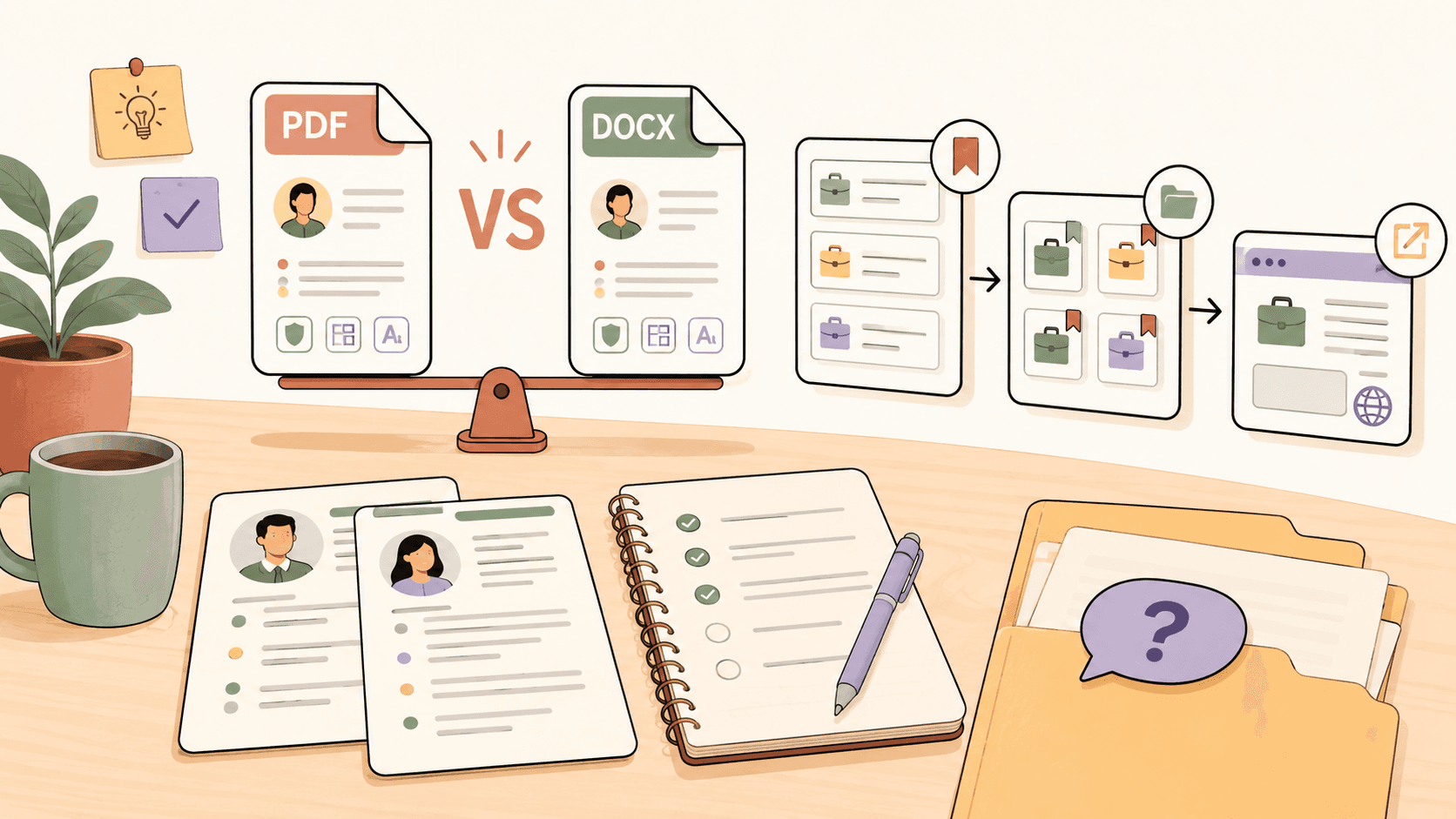
The Real Difference Between PDF and DOCX Resumes
A PDF resume locks your formatting in place. Your fonts, spacing, and layout look exactly the same on every screen and operating system. Human reviewers see a polished, professional document.
A DOCX resume is editable and easier for ATS software to parse. When you upload a DOCX to platforms like Workday, Greenhouse, or Lever, the system extracts your work history, skills, and contact information into its database.
The trade-off:
- PDF: Better formatting for humans, sometimes scrambled by ATS parsers
- DOCX: Easier for ATS to read, formatting can shift between devices
When to Send a PDF Resume?
Send a PDF when:
- You are emailing a resume directly to a recruiter or hiring manager
- The job description explicitly asks for a PDF
- You are submitting through a portal that previews documents for human review
- Your resume design uses columns or creative formatting you want to preserve
A PDF ensures the person reviewing your application sees exactly what you designed.
Track fresh opportunities on Sidequestboard
When to Send a DOCX Resume?
Send a DOCX when:
- An online application asks you to upload a resume for parsing
- The job posting specifically requests a Word document
- You are working with a third-party recruiter who needs to edit or annotate your file
- You are applying through enterprise ATS platforms like Workday or Taleo
DOCX files give ATS parsers cleaner text extraction, which reduces the chance of your experience being miscategorized or dropped entirely.
How to Run Your Own PDF vs DOCX Test?
If you want real data instead of generic advice, run a controlled test:
- Prepare both versions of your resume from the same master document in Google Docs or Microsoft Word.
- Identify 80 comparable job postings in your target role and industry.
- Send the PDF to 40 and the DOCX to the other 40.
- Track callbacks, interview invitations, and automated rejections for each group.
- Compare results after 30 to 45 days.
For example, imagine you are applying for front-end developer roles. You send a PDF to 40 companies and a DOCX to 40 others. If the DOCX group yields 5 interview invitations and the PDF group yields 1, you know that ATS parsing is a bottleneck in your industry, and DOCX should be your default for online portals.
This removes guesswork. Some industries and ATS configurations favor one format heavily, and your own data is the only reliable benchmark.
What If Both Formats Underperform?
If your test shows low response rates across both formats, the problem is likely not the file type. Common culprits include:
- Resume content not matching job descriptions closely enough
- Missing keywords that ATS filters look for
- Applying too late after a job is posted
- Submitting to high-volume postings where your resume is buried
Tools like Jobscan and Resume Worded can help you check how well your resume matches a specific job description before you submit. You can also use Teal or Notion to track your application pipeline and spot patterns in which roles respond.
Beyond Standard Applications: Finding Fresh Opportunities
Standard job boards are highly competitive. By the time a posting reaches a major platform, hundreds of applicants have already submitted. Many of the best opportunities never make it to job boards at all.
Freelance gigs, contract roles, and direct hire opportunities are posted daily across public communities like Reddit (r/forhire, r/WorkOnline), X/Twitter, Discord servers, and Slack groups. These posts often go to the first qualified respondents.
The challenge is that these opportunities are scattered across dozens of platforms. Checking them manually means living in multiple tabs and still missing posts that go cold within hours.
This is where Sidequestboard helps. Instead of bouncing between communities, Sidequestboard pulls fresh opportunity posts from public sources into one cleaner feed. You can scan new postings, save the ones worth pursuing, and respond directly through the original source while the opportunity is still active.
For job seekers running a structured application test, Sidequestboard works as a complement to your standard applications. It surfaces leads that never hit major job boards, giving you a wider pipeline and less competition.
Quick Formatting Rules for Both Formats
Regardless of which file type you choose, follow these rules to maximize ATS compatibility:
- Use standard section headers: Work Experience, Education, Skills
- Avoid text boxes and tables: ATS parsers often cannot read them
- Stick to standard fonts: Arial, Calibri, Georgia, or Helvetica
- Do not use headers or footers for critical information like contact details
- Save without password protection: Some ATS systems reject encrypted files
- Test your resume by copying all text from the PDF or DOCX into a plain text editor like Notepad to see if the order still makes sense
If the text flows logically when pasted into Notepad, your resume will likely parse correctly in most ATS platforms.
Take Control of Your Application Strategy
The format you choose matters, but timing and opportunity discovery matter just as much. A perfectly formatted resume sent to a posting that is already three weeks old will underperform every time.
Start your free 7-day trial of Sidequestboard today to discover fresh, high-quality opportunities before the competition does.
Related guides
- How to Get Freelance Clients on LinkedIn: Profile, Search, Outreach, and Lead Workflow
- Freelance Work for Beginners: Get Brand, Video, and Film Clients
- Best Reddit Side Hustle Job Boards for Finding Work
- Where to Find Web Design Clients on Reddit
- How to Retract a 2 Weeks Notice Letter (With Template)